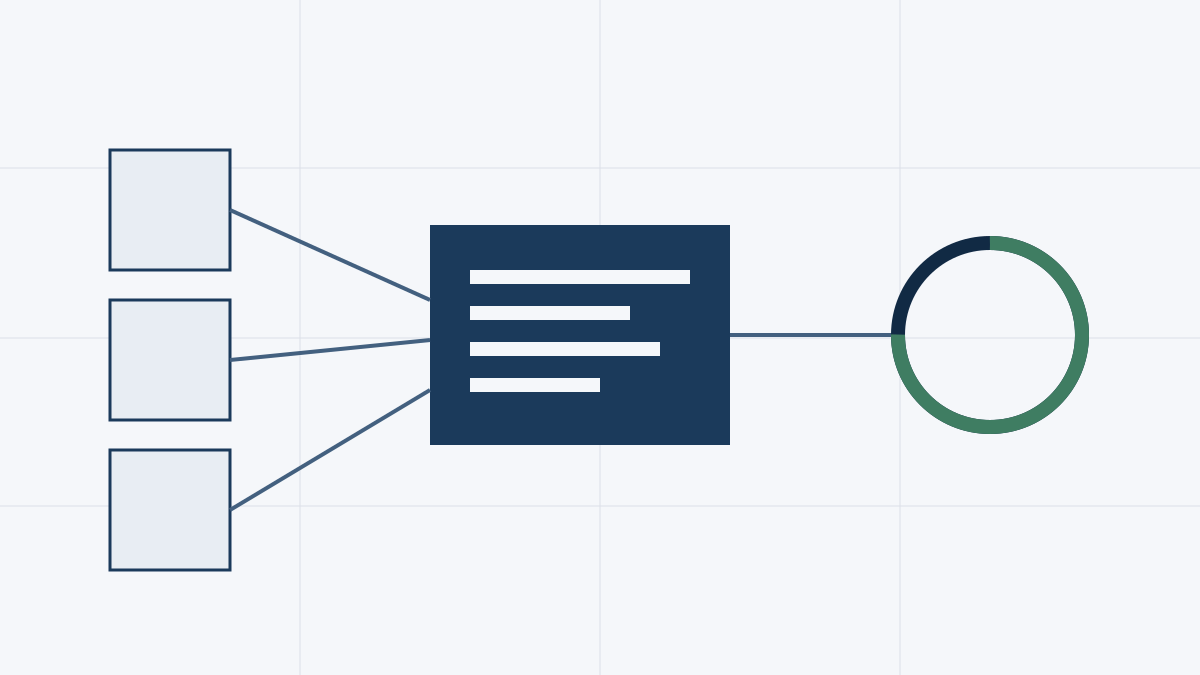
The calculator is free and unlimited on-screen. Here is how to drive it.
1. Pick the market and sector
Choose the market (it sets the currency, the multiple bands and which real-world risk rules apply) and the sector that best fits the business. The market dropdown shows which markets are fully calibrated.
2. Enter the three required numbers
- Asking price — what the seller wants.
- Gross revenue — annual turnover.
- Earnings — the profit figure you are valuing.
Then choose the earnings basis: SDE for small owner-operated businesses (it includes the owner's salary) or EBITDA for larger, professionally-managed ones. The tool suggests which to use based on the earnings size — you can override it.
3. Add detail where you have it (and mark the rest unknown)
Everything below the basics is optional. Fill in what you know and mark the rest unknown — the engine stays conservative and tells you it did:
- Financing — pick a preset (e.g. an SBA 7(a) or a bank term loan) to get DSCR and cash-on-cash math.
- Balance sheet & stage — net debt, working capital and net asset value bridge the valuation to an equity price; company stage nudges the multiple.
- Growth / SaaS (tech sectors) — ARR, revenue growth and net revenue retention switch high-growth software to a revenue multiple.
- Qualitative — recurring revenue, customer concentration, owner dependence and more.
- Market-specific — only the fields relevant to that market's rules are shown.
4. Read the result
The right-hand panel updates live: the score and verdict, the dimension breakdown, the valuation range (with where the asking price sits), a Monte-Carlo fair-value distribution, the financing schedule, and a list of flags. The data-confidence meter shows how complete your inputs are.
5. Export (optional)
Sign in to download a branded PDF deal-memo with everything above. On-screen analysis stays free.
Not sure what the score means once you have it? See "What your deal score and verdict mean".